SCCM Agent
Client: Matrix42
Duration: 5 months
Challenge:
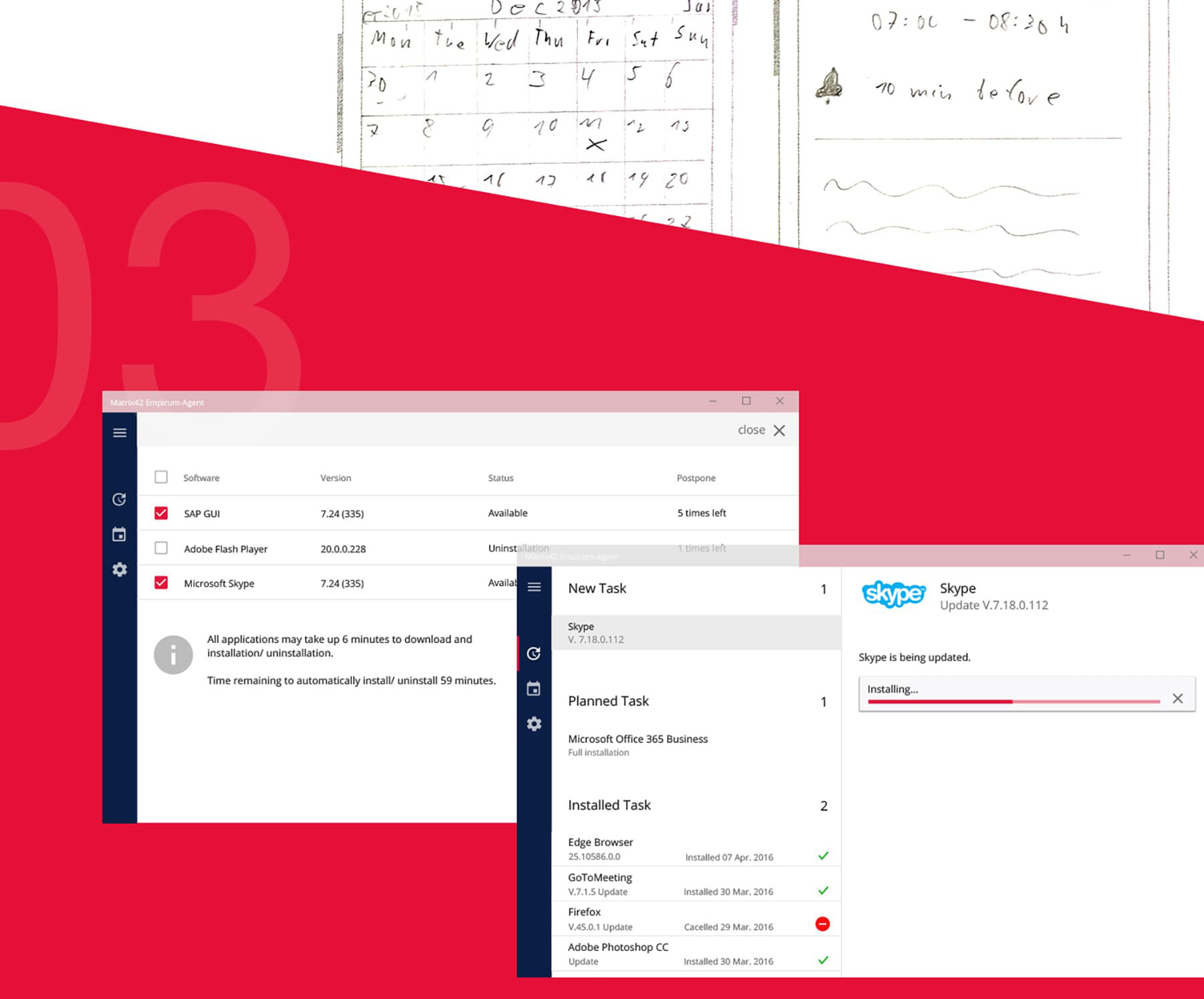
During my time at Matrix42, I was tasked with transforming a highly complex Microsoft SCCM (System Center Configuration Manager) environment to meet the specific business requirements of a major corporate client. The primary challenge lay in harmonizing deep technical system architecture with an intuitive user experience. This required a complete overhaul of the interface to align with the client’s custom UI standards while simultaneously redesigning intricate UX processes for software distribution. A key functional requirement was the implementation of an intelligent calendar system for scheduling software installations. This system had to incorporate precise logic for synchronizing time zones between end-user devices and server locations to ensure error-free global rollouts. Furthermore, it was essential to provide transparency regarding data sources, allowing users to clearly distinguish between tools sourced from local on-premise servers and those available via direct download. The scope was further extended by the need to design a unified device management system that presented a wide array of hardware—including mobile devices, desktops, and printers—in a consolidated and well-structured view.
Solution:
To successfully address these requirements, I established a user-centered design process that served as a strategic bridge between management, stakeholders, and the development teams. At the core of the solution were high-fidelity interactive prototypes created in Axure, which allowed me to validate complex interaction patterns and time-zone-dependent logic at an early stage. These prototypes became an essential foundation for alignment with development teams, ensuring that all concepts were both user-friendly and technically feasible. Building on this, iterative MVPs were developed, integrating a modern UI based on Material Design principles. By embedding these new designs into the initial functional prototypes, we were able to conduct qualitative user testing, which led to a significant increase in usability rates. This methodical approach allowed us to minimize project risks and create a scalable solution that radically simplified complex IT processes for the end user.